
How to Get WC Order Details

This kind of work usually overlaps with WooCommerce development, plugin development and practical ongoing support for stores that need more than default setup.
Understanding WooCommerce order details
Every order created in WooCommerce contains useful information such as customer data, purchased products, totals, taxes, shipping details and payment method. Knowing how to retrieve this information properly gives you more control over store operations and integrations.
How to get WooCommerce order details manually
The simplest way to review order details is inside the WooCommerce admin area.
- Log into your WordPress admin dashboard.
- Go to WooCommerce > Orders.
- Open the relevant order by clicking the order number or customer name.
- Review the customer details, purchased items, totals and status inside the order screen.
This approach is straightforward, but it becomes less efficient when you have a larger order volume or need to connect order data to another system.
Using hooks to get WooCommerce order details
If you want to work with order details programmatically inside WordPress, hooks are a practical option. For example, you can trigger custom logic after checkout and access the order object directly.
add_action( 'woocommerce_thankyou', 'nomad_get_order_details', 10, 1 );

function nomad_get_order_details( $order_id ) {
    $order = wc_get_order( $order_id );

    // Access order data here
    $items = $order->get_items();

    foreach ( $items as $item ) {
        // Work with item details here
    }
}
This method is useful when you want to trigger internal workflows, send data elsewhere or customise store behaviour after an order is placed. It is a good example of the kind of custom WooCommerce functionality that helps stores go beyond default behaviour.
Using the WooCommerce REST API
For more advanced use cases, especially when external systems need access to order data, the WooCommerce REST API is usually the better route. It returns structured JSON that can be consumed by other software and services.
$data = [
    'status' => 'completed',
];

$woocommerce = new Client(
    'http://your-site.com',
    'consumer_key',
    'consumer_secret',
    [
        'wp_api' => true,
        'version' => 'wc/v3',
        'query_string_auth' => true
    ]
);

$results = $woocommerce->get( 'orders', $data );

print_r( $results );
Replace the example site URL and API credentials with your real values before using this in a live setup.
The REST API approach is often the strongest option when WooCommerce data needs to feed dashboards, CRMs, fulfilment tools or other automations. That is where WooCommerce development and custom integration work become especially useful.
Which method should you use?
The right method depends on what you are trying to do.
- Use the admin dashboard if you just need to inspect or process orders manually.
- Use hooks if you want WordPress to react to orders internally.
- Use the REST API if you need to expose order data to external tools or workflows.
Final takeaway
Understanding how to retrieve WooCommerce order details is a practical part of running a store well. Manual review works for simple workflows, hooks help with internal automation and the REST API is usually best for external integrations and more advanced systems.
Need help extending WooCommerce or connecting order data into a better workflow?
Get in touch and I can help you choose the right technical approach for your store. The most relevant starting points are usually WooCommerce development, plugin development and ongoing support.
Keep exploring
Recent work
All case studies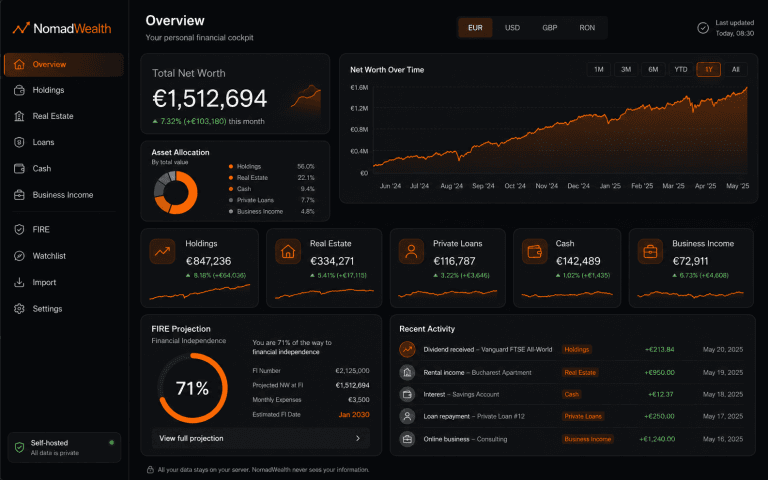
NomadWealth: Self-Hosted Net-Worth App
Turning a personal finance dashboard into a self-hostable product: holdings, real estate, loans and cash in one private cockpit, deployed to the buyer’s own Vercel so the vendor never sees their data.
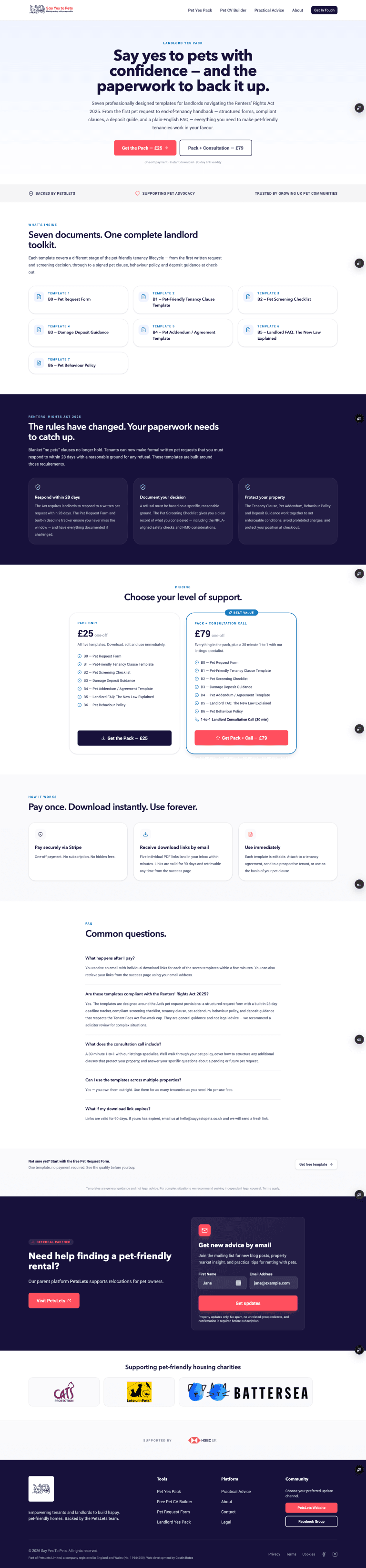
Say Yes to Pets Phase 2: Building a Monetisation Layer
Phase 1 gave Say Yes to Pets a publishing platform and a free Pet CV tool. Phase 2 turned it into a product with a monetisation layer: product catalog, Stripe checkout and 2 paid funnels.

eSIMGo WP Plugin
A custom WordPress and WooCommerce plugin turning eSIM provisioning, top-ups, activation delivery and live usage tracking into a structured customer and admin experience via the eSIMGO API.
Services
All servicesReading
All articlesHow to Turn Your WordPress Website Into a Progressive Web App
How a Progressive Web App can turn a WordPress website into a faster, app-like experience with home screen access, alert
What a £1k Website Should Actually Include
A £1,000 website can be a smart investment if the scope is realistic, the messaging is clear and the fundamentals are ha
How I Built a Real-Time Investment Portfolio Tracker in Google Sheets
A custom Google Sheets portfolio tracker that combines live stock and crypto pricing, automated trade handling and perfo