
I’ve Been Using Claude AI as a Developer Tool – Here’s What Actually Surprised Me
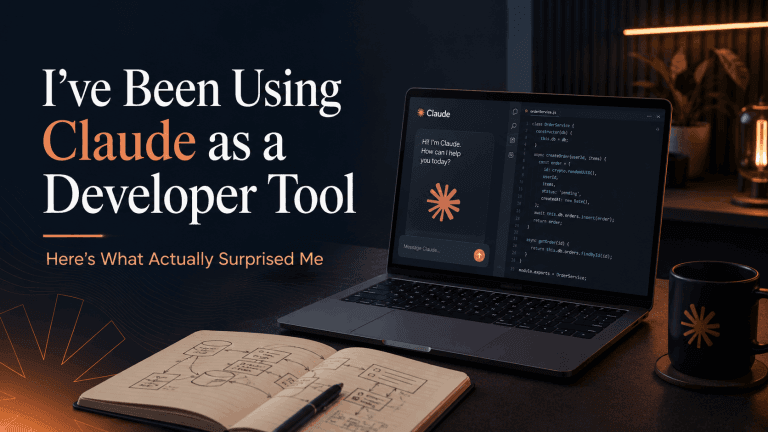
AI assistants are everywhere right now, but most reviews skip the part that actually matters for developers: whether it changes how you work day to day. I spent time putting Claude through its paces across real tasks — writing, debugging, planning, and a few things in between — and the results were more useful than I expected.
Why I tried it
Like most developers, I was sceptical. AI tools have a habit of sounding impressive in demos and falling apart the moment you ask something specific. But after hearing enough from people I trust, I decided to give Claude a proper trial rather than a five-minute test.
The tasks I threw at it were the kind that fill up a typical working week: explaining a tricky piece of code to a client, drafting proposal copy, sketching out project architecture, writing a plugin spec, cleaning up a wall of legacy PHP.
What stood out
- It reasons through problems rather than pattern-matching: When I asked Claude to review a WooCommerce hook sequence, it didn’t just guess. It walked through the execution order, flagged a timing issue I’d missed and explained why the fix worked. That kind of response takes time to get from Stack Overflow and doesn’t always arrive.
- The writing quality is high: I used it to draft client-facing explanations of technical work — the kind of thing that usually takes longer to write than the work itself. The tone was easy to steer and the output didn’t sound like a press release.
- It handles ambiguity well: Real project briefs are messy. I gave Claude partial specs and vague requirements, and it asked the right follow-up questions rather than confidently producing the wrong thing.
- It’s honest about what it doesn’t know: That matters. An AI that invents confident wrong answers costs time. Claude was relatively upfront when a question sat at the edge of its knowledge.
Where it fits in a developer workflow
After a few weeks I stopped thinking of it as a search replacement and started using it more like a capable colleague who is always available, never annoyed by repetitive questions and has broad knowledge without deep ego about any of it.
The most consistent use cases for me:
- Drafting client communications that are technical but need to land clearly
- Reviewing logic and structure in code before committing
- Building out project specs when I have an idea but not a document
- Explaining decisions in plain English for stakeholders
It doesn’t replace testing, it doesn’t replace knowing your craft, and it doesn’t replace judgment. But it does reduce the friction on a lot of tasks that used to eat time without being technically difficult.
The part I didn’t expect
The biggest surprise wasn’t any single feature. It was the consistency. Most tools have a good day and a bad day. Claude’s quality stayed steady across tasks I’d consider easy, medium and genuinely tricky. That reliability is what actually changes how you integrate something into daily work.
There’s also a desktop app (Cowork) that makes it easier to use alongside files and tools, rather than switching browser tabs constantly.
Want to try it?
I have a limited number of guest passes to share — each one gives a 7-day free trial of Claude Pro, which includes Claude Code and the Cowork desktop app. This is the full Pro experience, not a stripped-down version.
A few things worth knowing before you sign up:
- You’ll need to enter payment details to activate the trial — you won’t be charged if you cancel before the 7 days are up
- After 7 days it converts to a paid Pro subscription automatically, so set a reminder if you’re not sure yet
- Guest passes are for new paid subscribers only — if you’ve had a Claude paid plan before, this won’t apply
If that sounds fair and you want a proper week to test it against real work: claim your 7-day Claude Pro trial here. Passes are limited and first-come, first-served.
Conclusion
The developers and businesses that will get the most out of tools like Claude aren’t the ones chasing novelty — they’re the ones who find a handful of tasks where it genuinely saves time and build it into their process. That’s a smaller, more useful bar than “will AI replace developers”, and it’s the one worth testing against.
If you’re curious how AI tools fit alongside custom WordPress development or technical SEO work, get in touch and we can talk through what makes sense for your setup. The most relevant starting points are usually ongoing support, technical SEO and custom WordPress development.
Keep exploring
Recent work
All case studies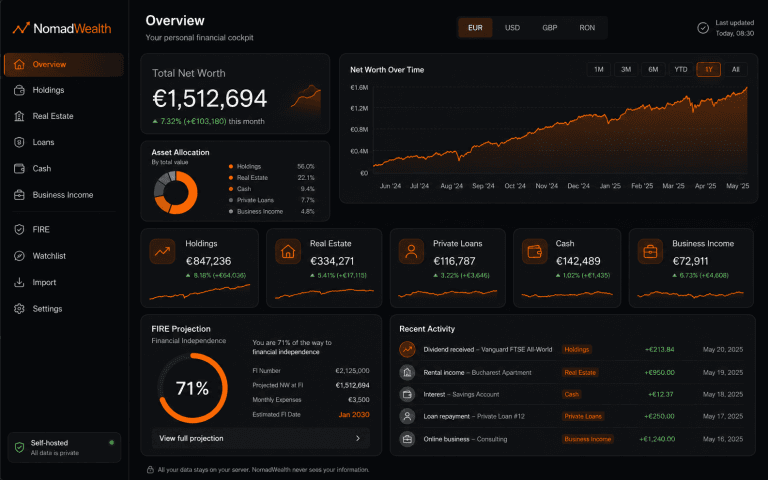
NomadWealth: Self-Hosted Net-Worth App
Turning a personal finance dashboard into a self-hostable product: holdings, real estate, loans and cash in one private cockpit, deployed to the buyer’s own Vercel so the vendor never sees their data.
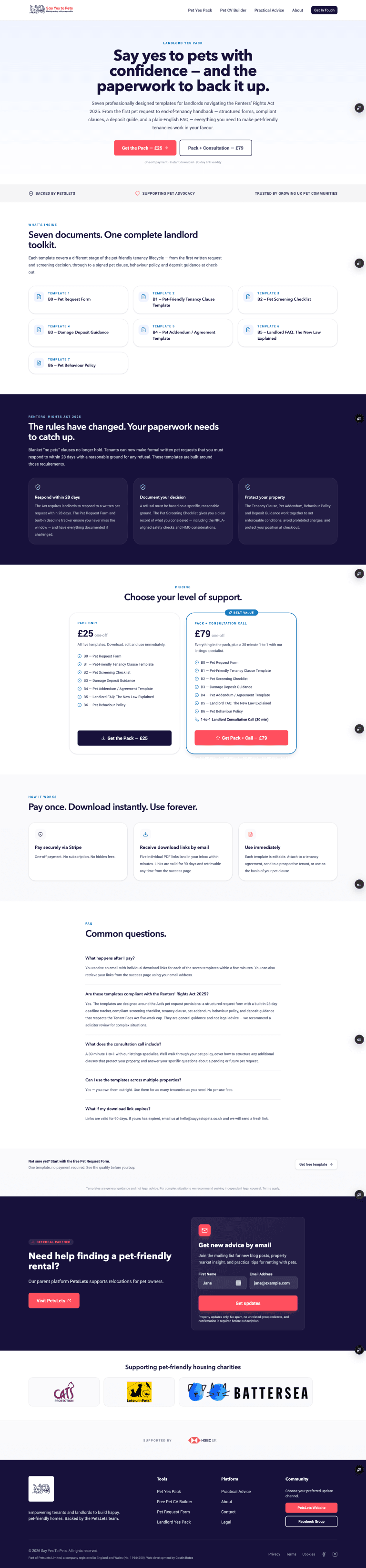
Say Yes to Pets Phase 2: Building a Monetisation Layer
Phase 1 gave Say Yes to Pets a publishing platform and a free Pet CV tool. Phase 2 turned it into a product with a monetisation layer: product catalog, Stripe checkout and 2 paid funnels.
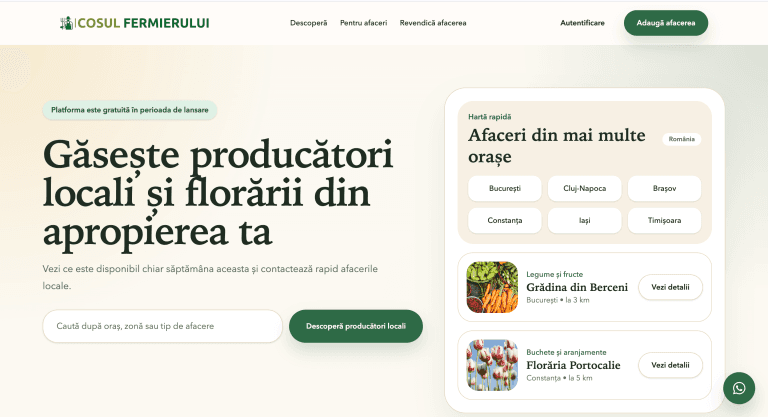
Farmer’s Basket
Coșul Fermierului is a Romanian marketplace platform helping local producers and florists manage listings, generate inquiries and grow visibility through a trust-first discovery experience.
Services
All servicesReading
All articlesHow to Turn Your WordPress Website Into a Progressive Web App
How a Progressive Web App can turn a WordPress website into a faster, app-like experience with home screen access, alert
Custom WordPress Development vs Page Builders: What Actually Scales in 2026
Page builders are useful for speed, but custom WordPress development usually scales better when performance, SEO, consis
How to Get WC Order Details
A practical guide to retrieving WooCommerce order details manually, with hooks or through the REST API, depending on whe